ClassesComputer Basics
Computer Basics
Learn to use a computer step by step, from typing and saving files to using the internet.
Students stay at the centre during their training.
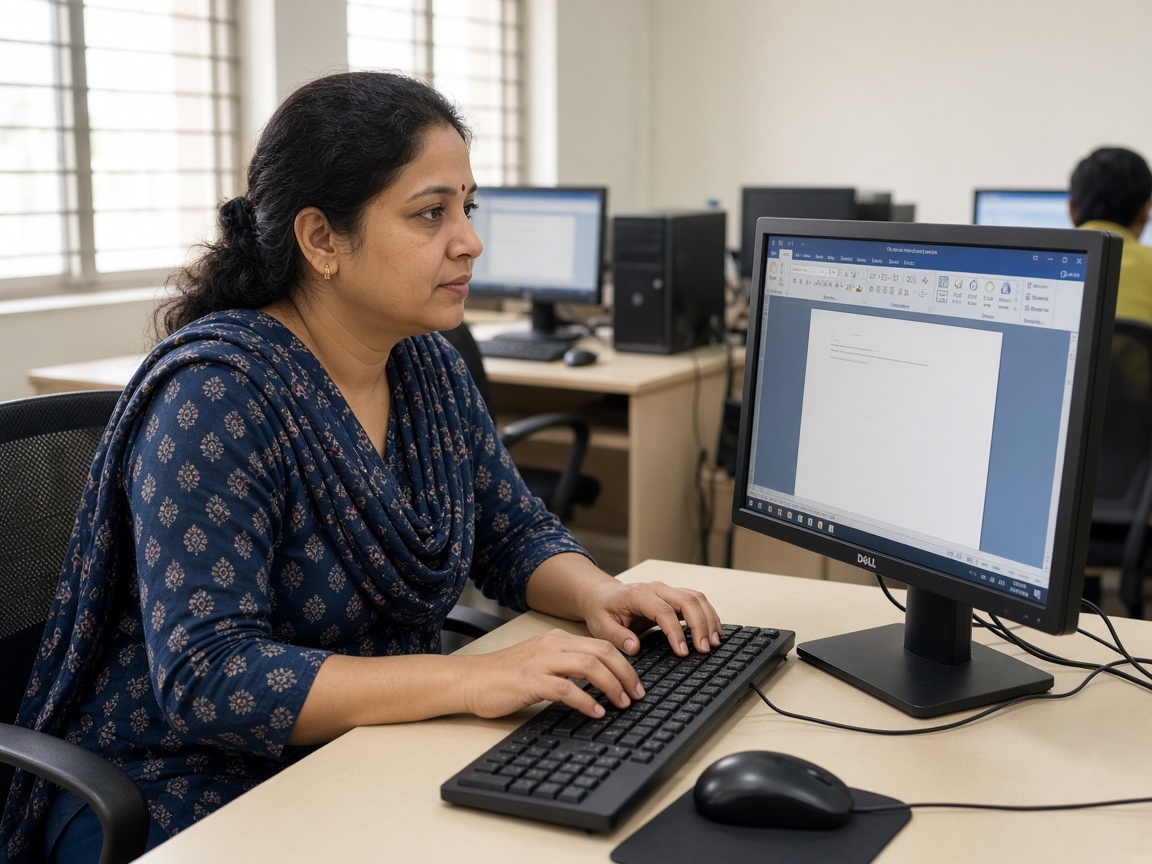
Class plan
You learn by doing the work with our Sisters and trainers.
Computer basics
- Parts of a computer
- On/off and safe use
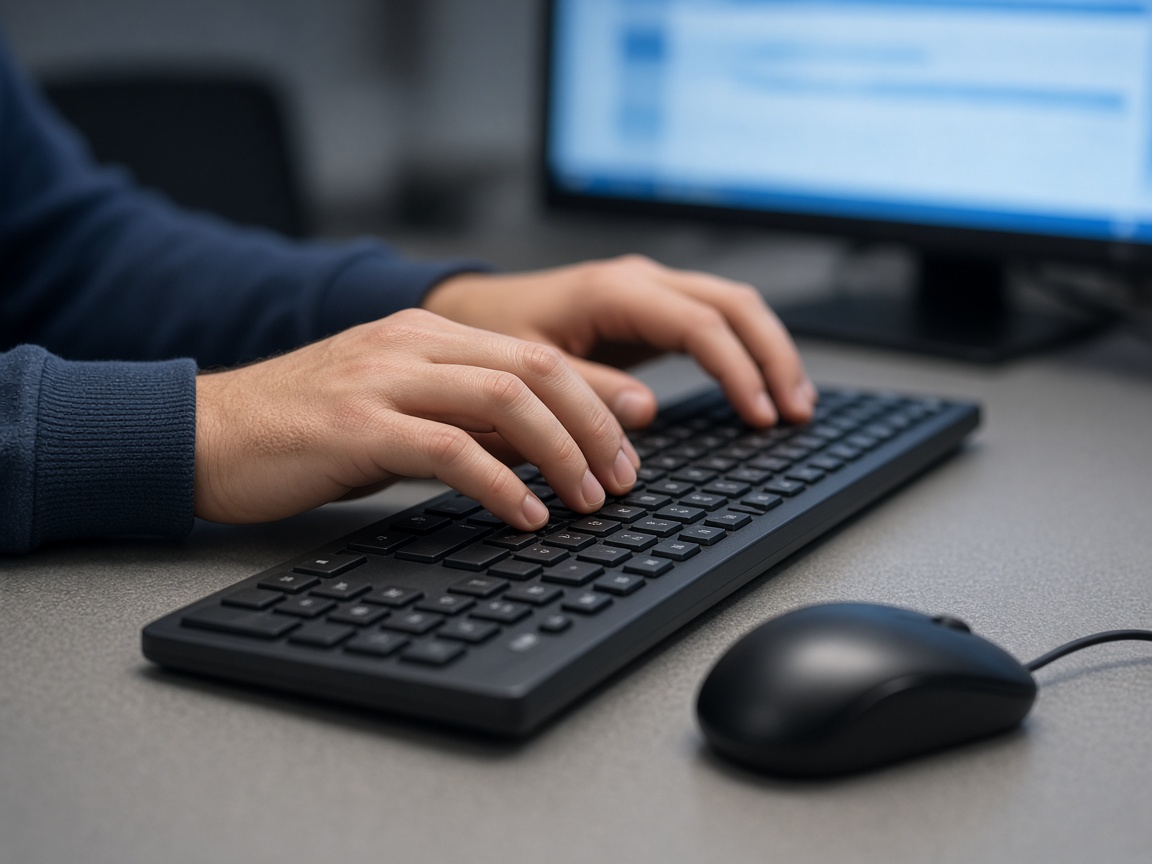
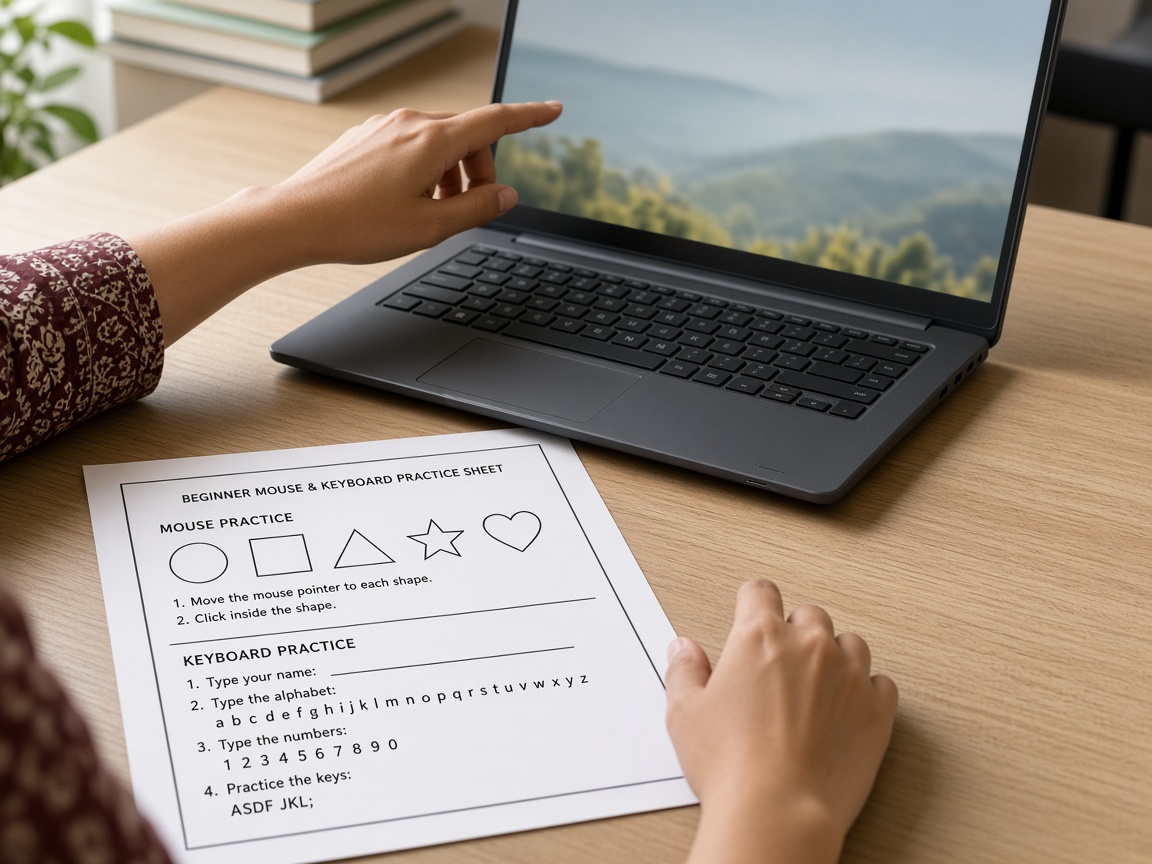
- Mouse and keyboard practice
Typing & documents
- Typing slowly and correctly
- Open, save, and find a file
- Simple documents for home or work
Internet skills
- Open a browser
- Search for information
- Learn to use email and fill in online forms safely.
Daily digital life
- Photos and folders
- Safe habits online
- Practice tasks you can repeat at home
What you will learn
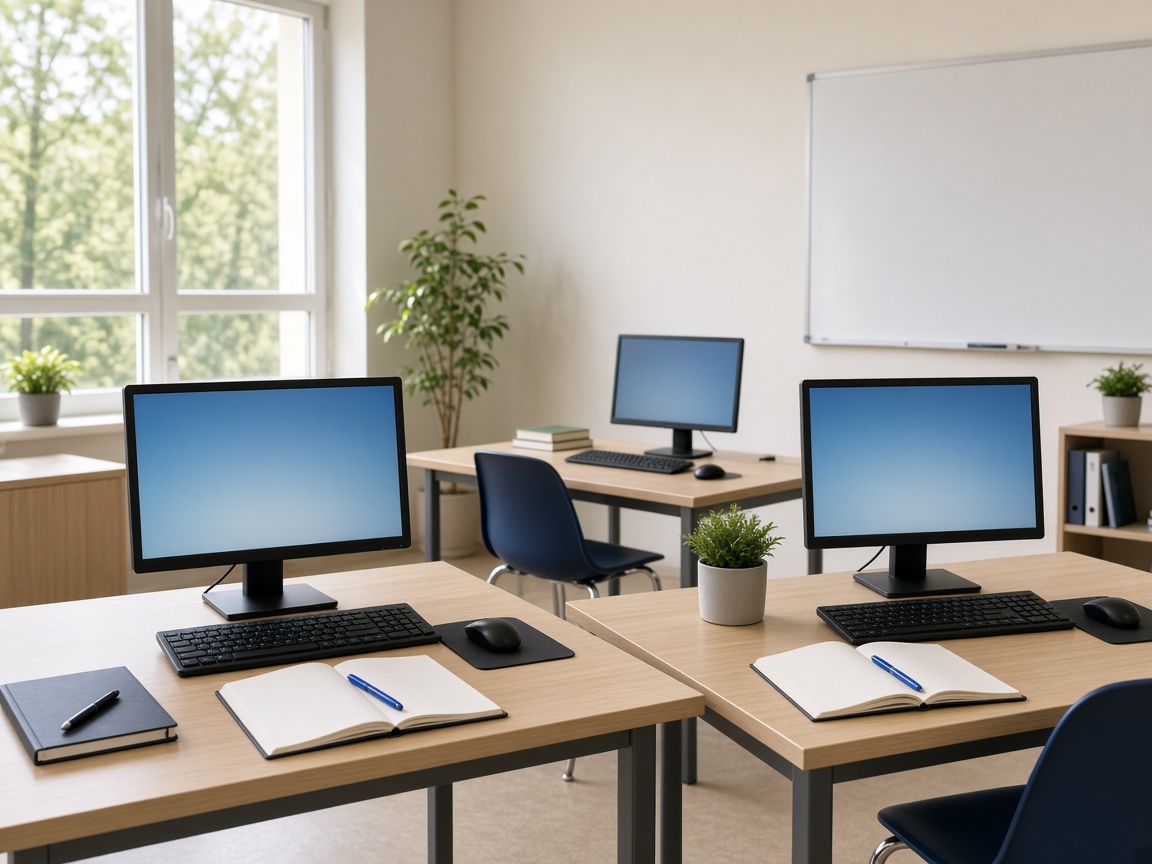
Examples of tools, practice, and finished work for Computer Basics.
Ready to apply for this class?
Fill in the application form. Our office will call you to explain the next steps. No account is needed.